All solutions/Core solution

Rooms people can simply use

Meeting Room Solutions

Design hybrid meeting spaces that make every voice clearer, every room easier to manage, and every conversation more human.

Designed for
better work

Our practice

Rooms people can walk into and simply use

We treat camera placement, microphone coverage, display height, acoustics, and booking integration as one design : not separate purchases. Certified Teams and Poly systems are specified by room size and use case, then documented so facilities and IT can support them after go-live. Adoption guidance closes the gap between install day and everyday confidence.

  • A better hybrid experience
  • Consistent room standards
  • Visibility after install
Rooms people can walk into and simply use

Explore by brand

Compare brand paths.

Jump into a brand landing when you already know who you standardise on.

Our expertise

Capabilities that keep this solution practical.

From first brief to ongoing support, we connect technology choices to the people, spaces, and operations that have to live with them.

  • 01

    Microsoft Teams Rooms

    Certified consoles, cameras, and compute for native Teams join and room management.

  • 02

    Poly video systems

    Video bars and room kits tuned for speech clarity and intelligent framing.

  • 03

    Boardroom & huddle design

    Typology standards so every room type feels familiar and fit for purpose.

  • 04

    Unified communications

    Calling, meetings, and presence planned as one conversation layer.

  • 05

    Room booking & calendars

    Panel and scheduling integrations that reduce no-shows and ghost bookings.

  • 06

    Post-install operations

    Health monitoring, spares, and support paths that keep rooms meeting-ready.

Designed for real work

Console-first Teams experiences

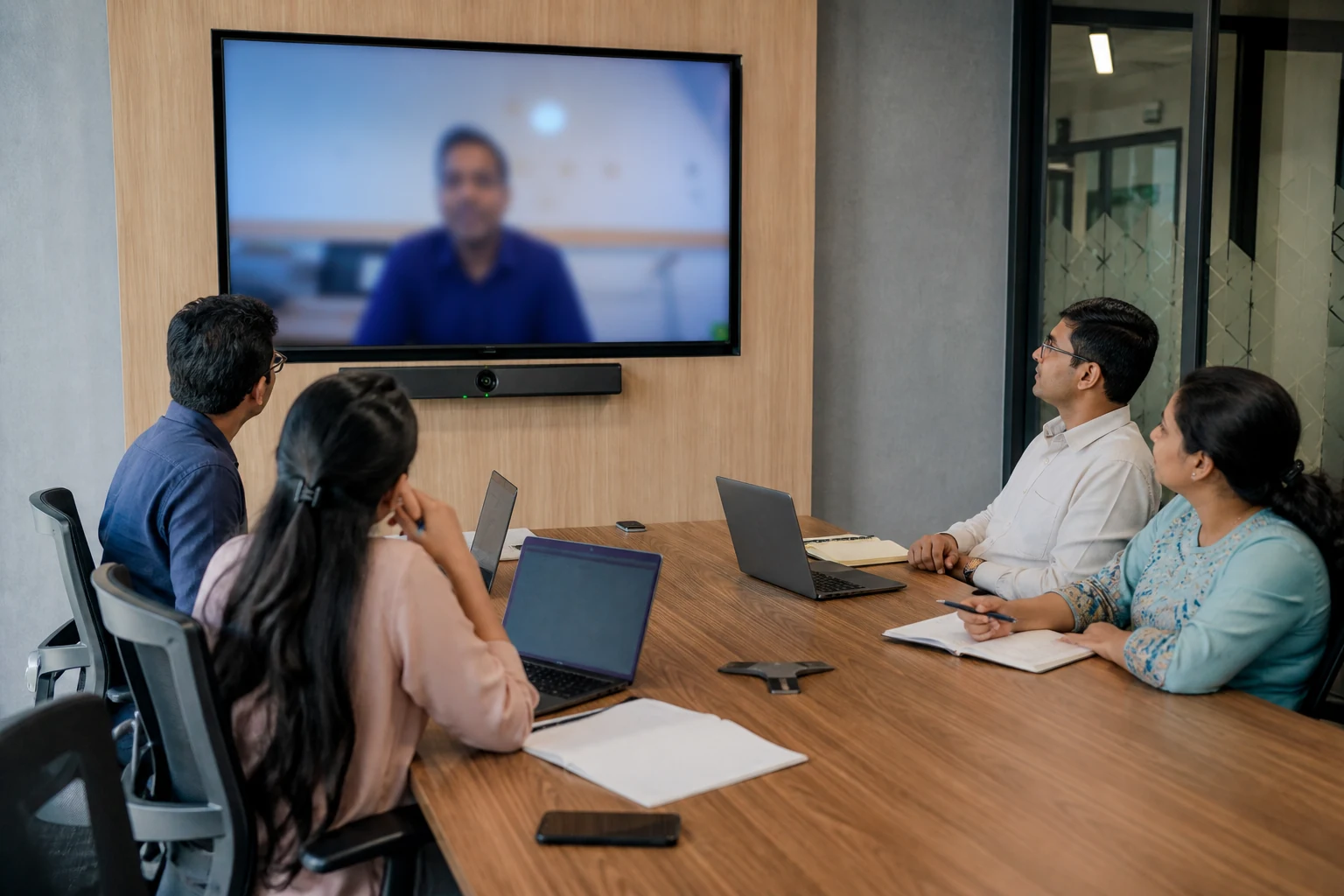
Touch consoles, certified peripherals, and room compute are selected so joining a meeting takes seconds, not a support call. Hybrid etiquette features help remote participants feel present, not peripheral.

Console-first Teams experiences

Built to work together

Boardrooms that earn the name

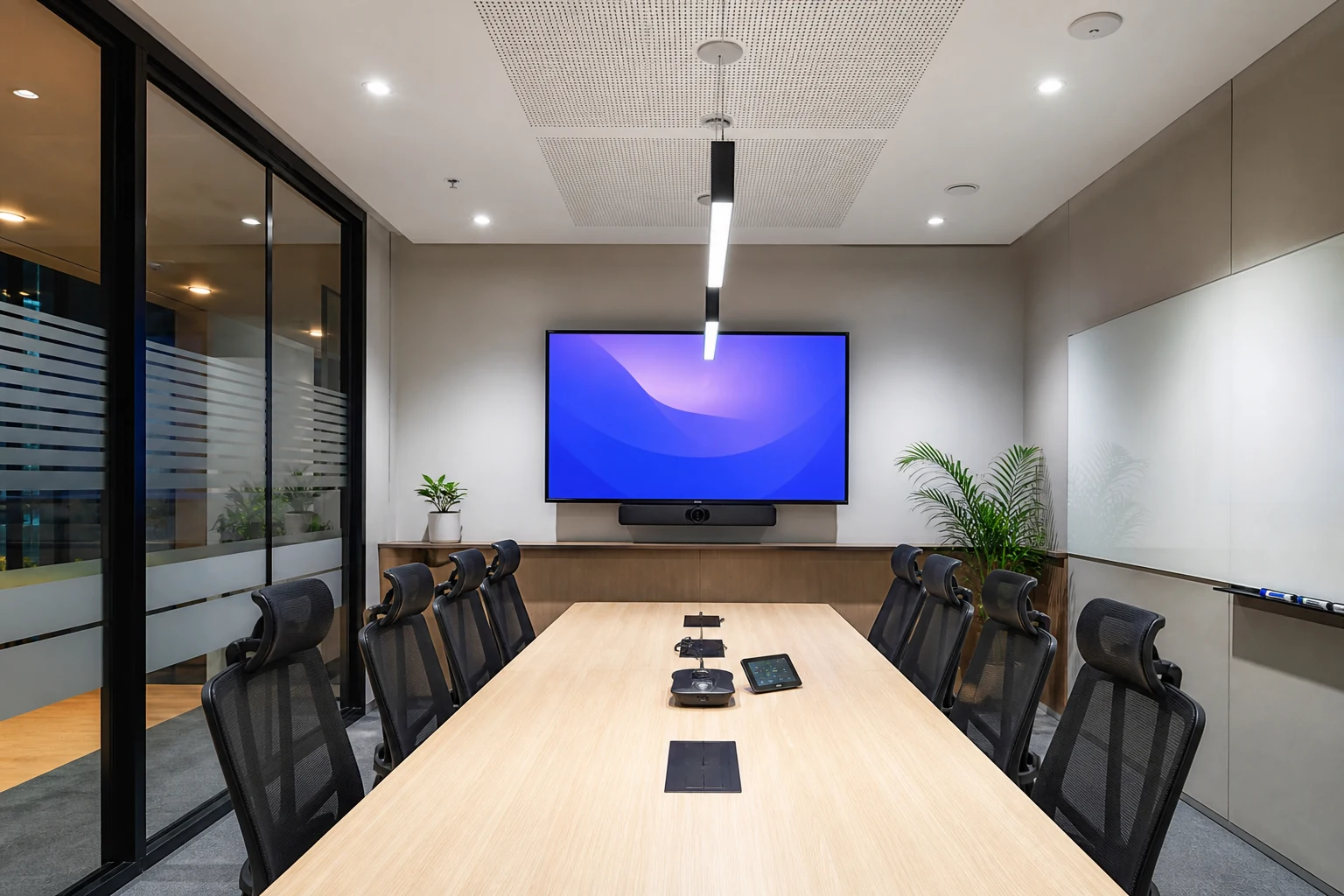
Executive and client spaces get display layout, camera sightlines, and acoustic treatment planned together. The room should look intentional and sound effortless under pressure.

  • Sightline and seating-aware camera placement
  • Microphone coverage matched to table size
  • Discrete cabling and control surfaces
  • Standards that scale from huddle to board
Boardrooms that earn the name

How we deliver

Services that turn a specification into a working system.

Every engagement can stand alone : or combine into a programme that covers design, deployment, and day-two support.

Room estate assessment

Audit existing rooms for audio, video, booking, and user friction before redesign.

Room typology matrix

Define huddle, medium, large, and boardroom standards with clear BOMs.

Platform & licensing map

Align Teams, Zoom, or BYOD choices with device certification and licences.

AV design & installation

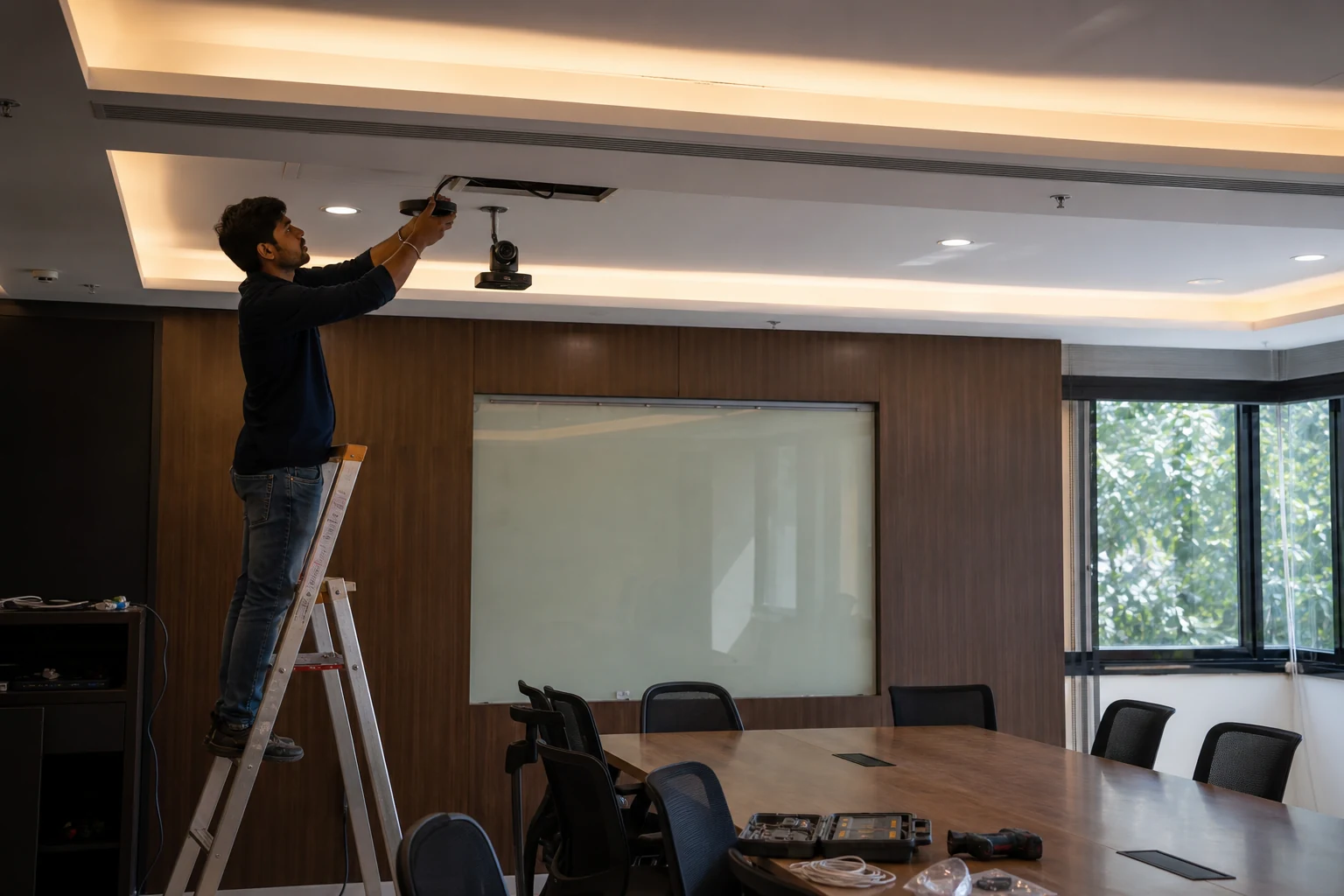
Mounting, cabling, acoustics, and commissioning handled as a single workstream.

Adoption workshops

Teach hosts and facilities how to run rooms confidently after go-live.

Managed room health

Monitoring, alerting, and spare-part planning for multi-site estates.

What improves

A solution your users can feel, and your IT team can operate.

01One-touch meeting start
02Clearer audio and video
03Repeatable room standards
04Lower support friction

How we work

From a blank page to a solution your people trust.

We combine discovery, design, deployment, and ongoing support into one joined-up experience.

Understand

We listen to users, spaces, constraints, and ambitions before recommending a path.

Shape

We turn that understanding into a clear architecture, experience, and rollout plan.

Activate

We deliver, configure, enable, and support the solution beyond the handover.

Why these rooms

Quick picks by brand and room size.

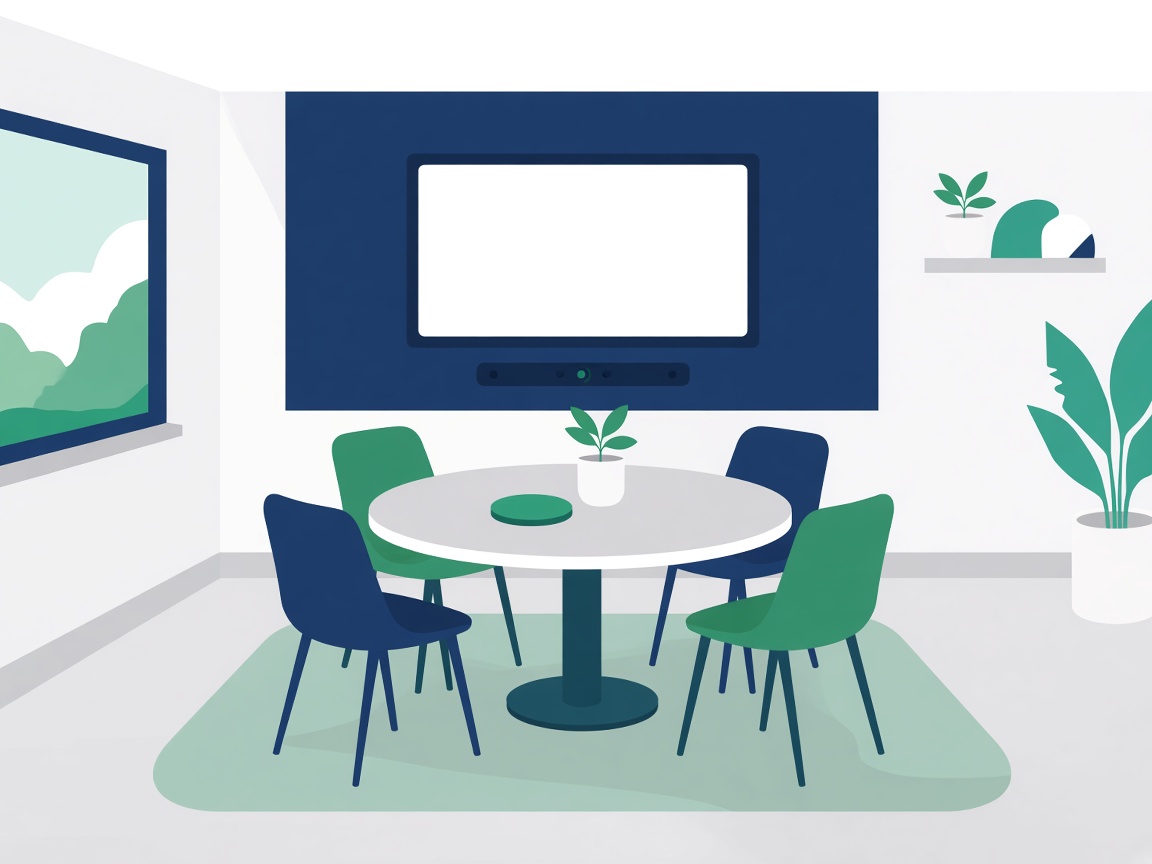
Small & Huddle Rooms

2 : 6 seats
  • HP|Poly

    Studio X32 / Studio V12 (USB)

  • Logitech

    Rally Bar Huddle / Rally Bar Mini

  • Jabra

    PanaCast 40 VBS / PanaCast U30

  • Neat

    Neat Bar Gen 2 / Neat Board 50

View room options

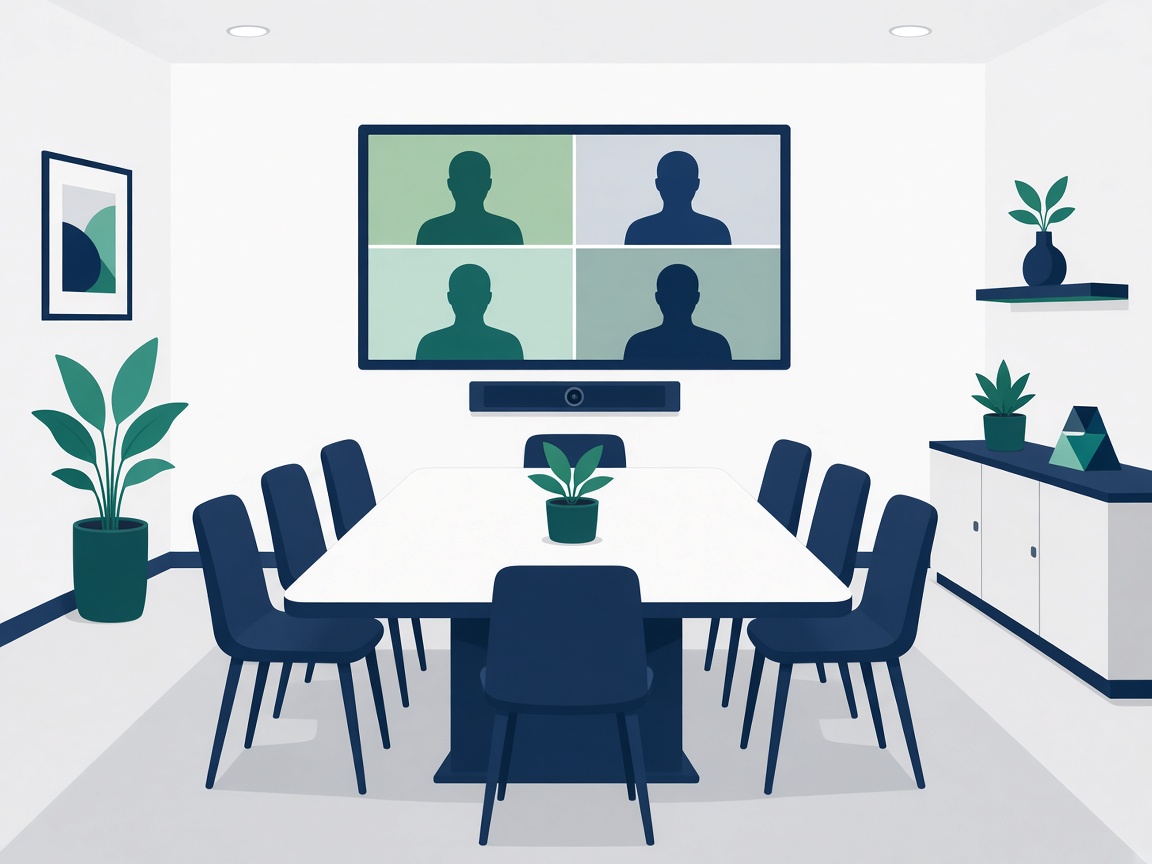
Medium Meeting Rooms

6 : 12 seats
  • HP|Poly

    Studio X52 / Studio V52 (USB)

  • Logitech

    Rally Bar / Rally Board 65

  • Jabra

    PanaCast 55 VBS / PanaCast 50 VBS

  • Neat

    Neat Bar Gen 2 / Neat Bar Pro

View room options

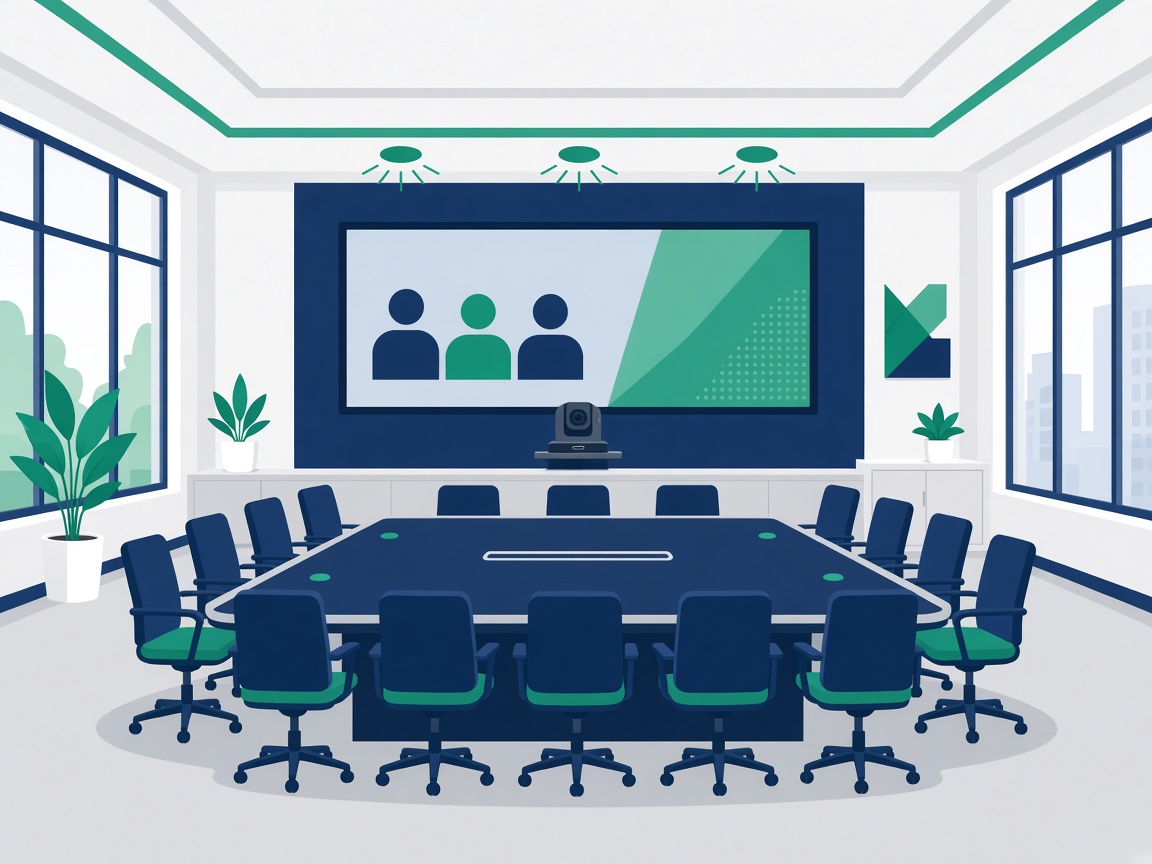
Large Meeting & Boardrooms

12 : 22 seats
  • HP|Poly

    Studio X72 / E70 + G62

  • Logitech

    Rally Plus / Rally Bar + Sight

  • Jabra

    PanaCast Room Kit / Room Kit Multi

  • Neat

    Neat Bar Pro + Neat Center

View room options

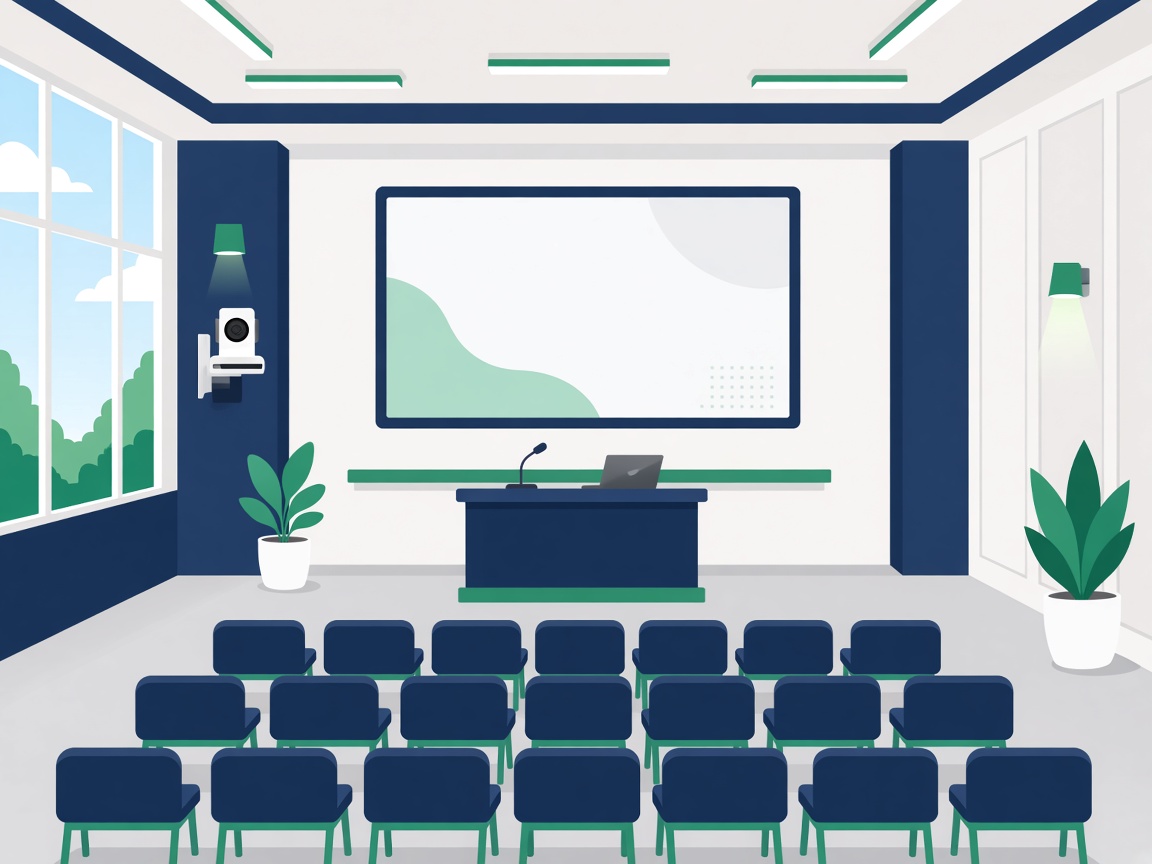
Town Halls & Training Halls

25 : 100+ seats
  • HP|Poly

    G7500 + E60 PTZ + ceiling mics

  • Logitech

    Rally AI Camera Pro + Rally Plus audio

  • Jabra

    Limited : max 22 (Room Kit Multi)

  • Neat

    Bar Pro + 2× Center + 3rd-party mics

View room options

Partners

We partner with leading technology providers.

HP logoPoly logoLogitech logoCisco logoMicrosoft logoFortinet logoLenovo logoDell logoHPE logoSamsung logoLG logoPhilips logoApple logoBarco logoBenQ logoNutanix logoCrowdStrike logoPalo Alto logoJuniper logoEPOS logoEpson logoAsus logoAcer logoSMART logoJabra logoYealink logoNeat logoPeopleLink logoSharp logoViewSonic logoSennheiser logoShure logoSonicWall logoTrend Micro logo

How can we help?

Practical support from brief to day-two operations.

Rooms nobody trusts

We fix unreliable join, poor mics, and confusing remotes that drive people back to laptop huddles.

Inconsistent room types

Repeatable standards mean users know what to expect in every office.
Platform lock-in confusion

Clear guidance on Teams-native vs platform-flexible systems for each space.

Install then abandon

Documentation, health checks, and support ownership keep rooms working after day one.